
VVZ ERP Suite for beauty salons and institutes
During a treatment, it is not always possible to answer the phone. Between a new request, a rescheduled appointment, a cancellation, a client question and a newly available slot, information can quickly end up split between the phone, messages, the schedule and the team’s memory. The problem is not your booking tool: it is what happens around it when the latest request must be found and someone needs to know who should act.
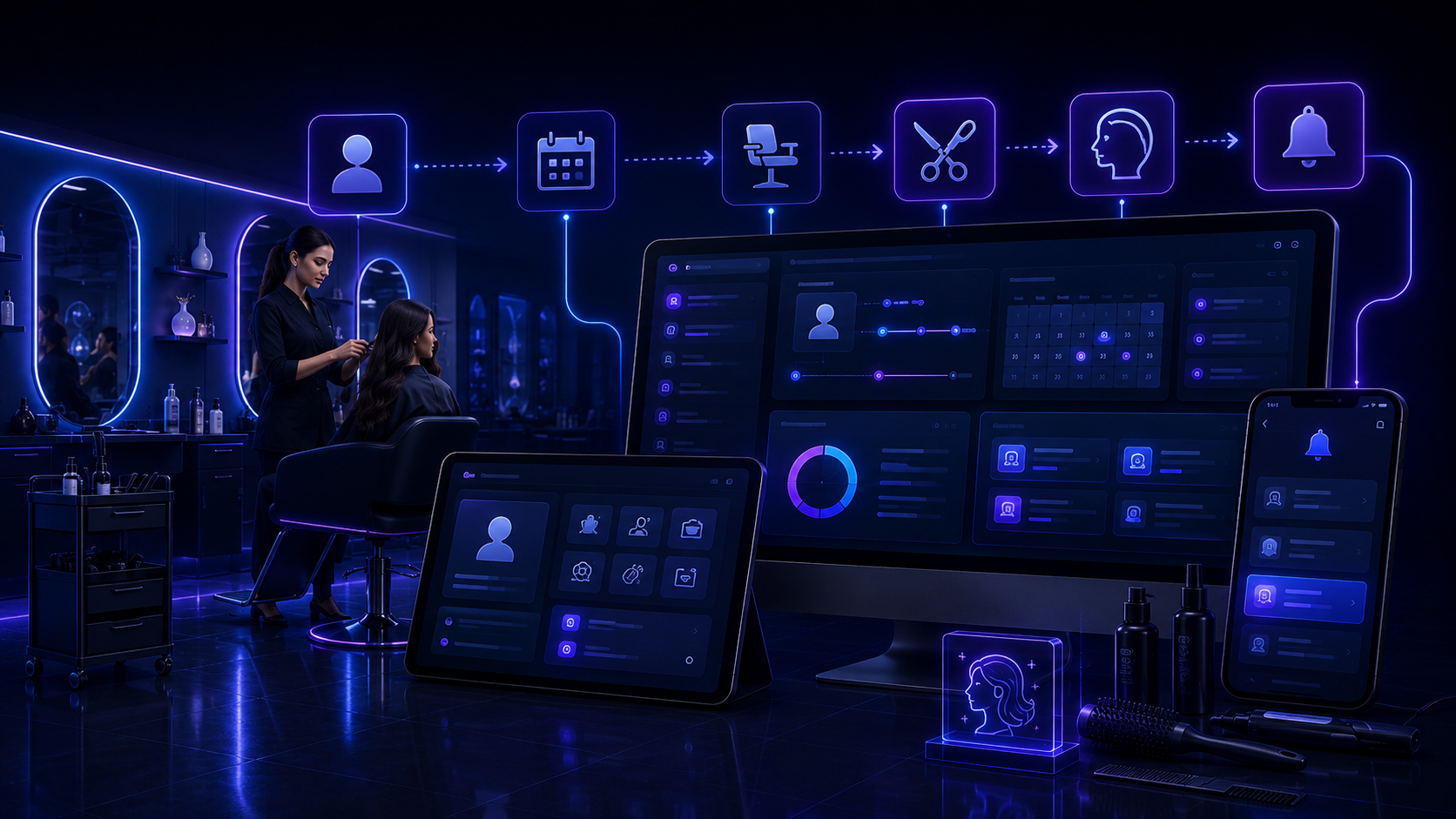
The real problem: changes arrive while you are working
An appointment can be moved while a treatment is in progress, a client can cancel, a new request can arrive by message and a slot can open a few minutes later. If each piece of information stays in a different channel, the team then has to reconstruct what happened.
Before
The appointment is in the schedule, the change is in a message, the client’s question is in another conversation, and some things to remember simply remain in someone’s memory.
After
Each request can bring together the client, service, requested date, appointment, person concerned, status and history of changes.
Typical situations in a salon or beauty institute
New request
The client asks for a service, price, availability or appointment, and useful information remains attached to the request.
Appointment and service
The service, useful duration, date, time slot and person concerned can be grouped in the same follow-up.
Rescheduling or cancellation
When an appointment changes, the information can be updated without leaving the old instruction as the only reference in a message.
Newly available slot
When a cancellation frees a slot, the team can more easily find requests still waiting for an answer or availability.
A simple path from request to completed appointment
Client request
The client describes the service wanted, availability or question.
Service and availability
Useful information is recorded so the team knows what is requested and which slot may work.
Appointment confirmed
Once the slot is chosen, the request keeps the date, service and person concerned.
Change
If the client moves or cancels, the change can be recorded with the request instead of remaining only in a conversation.
Upcoming
The team can find appointments and useful information before the client arrives.
Completed and history
After the appointment, the status can be updated and the history remains available for finding useful exchanges and changes.
Fewer messages just to reconfirm an appointment
Depending on the chosen configuration, the client can receive a confirmation or reminder related to the appointment. The team avoids some repetitive exchanges while keeping control of the client relationship.
The salon keeps its familiar points of reference
Your booking system can stay in place
If your schedule or booking tool already works well, it does not need to be replaced. VVZ ERP Suite can mainly organize the requests, changes and information currently around that schedule.
Excel can remain part of the workflow
If you already use a table for some information, it can remain a reference. The journal can include the data that is genuinely useful to your activity.
An export that works with Excel
Useful data can be exported as a CSV file compatible with Excel, with a structure adapted to your working columns.
Information remains accessible where the team works
The local tool
The salon can use a local tool to find requests, services, appointments, changes, responsible people, statuses and notes.
The server
The server is involved only in functions that need it, for example receiving a request from the website or synchronizing some information.
Telegram
Telegram can simply notify authorized people when a new request arrives or when an important change needs to be seen quickly. The main follow-up remains in the tool.
Visible responsibility
Each request can show who should reply, confirm an appointment or handle a change.
Adapted to your salon
VVZ Studio adapts information, steps and roles to the way you work instead of imposing a rigid process.
Frequently asked questions
Do we need to replace our booking system?
No. If it works well, it can stay in place. The goal is mainly to organize what happens around it: new requests, changes, questions, confirmations and follow-up.
Can cancellations and rescheduling be managed?
Yes. A change of date, service or person can be attached to the request so the team finds the latest useful information in one place.
Do we need to stop using Excel?
No. Existing tables can remain a reference and useful data can be exported as a CSV compatible with Excel.
Demonstration video coming soon
A short demonstration will show how a request, appointment, change, assignment and status change can be followed in the system.
A clearly defined scope
Functions, access, tracked information and any integrations are defined with the salon or institute before setup.
Pricing based on your real way of working
Price depends on your current organization, the tools already used, the number of steps to follow and the functions your activity really needs. The aim is not to sell you unnecessary modules.