
VVZ ERP Suite for farms and small rural businesses
As the season moves forward, tasks quickly build up: an intervention to plan, equipment to prepare, a parcel to check, an order to follow, a note taken on the phone and information that remains in the memory of the person who received it. The problem is not that you lack tools: it is often that they are separate and the information has to be rebuilt when it becomes urgent.
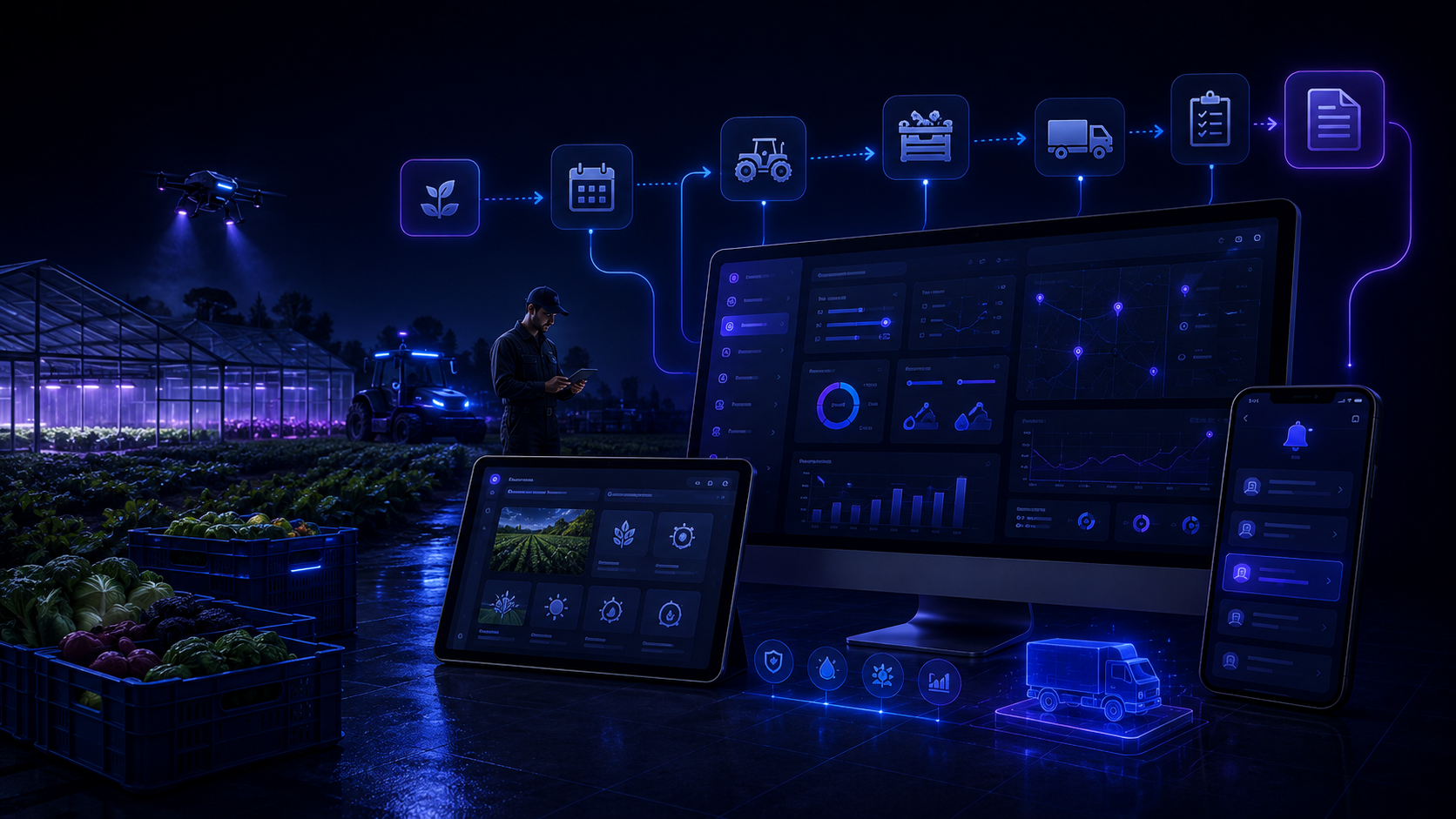
The real problem: too much information separated at the wrong time
A farm may already use tables, notes, applications, messages or paper. The problem appears when an important task depends on information somewhere else: a date, quantity, piece of equipment, responsible person or action that must not be forgotten.
Before
A task is in a notebook, a quantity in Excel, an order in a message and an important decision sometimes remains only in the memory of the person who made it.
After
Each task or request can bring together the relevant site or parcel, what must be done, useful resources, responsible person, status and history.
Typical situations on a farm
Seasonal tasks
Planned work can remain visible with its period, priority and the information needed to carry it out.
Parcel, site or zone
The task can be linked to the parcel, building, site or zone concerned so the context is easy to find.
Equipment and resources
Necessary items can be noted with the task: equipment to prepare, quantity to check, available resource or point still to confirm.
Order or action waiting
When a task depends on a delivery, decision or another action, the follow-up can clearly show what is still blocking it.
A simple path from task to completed work
Need identified
A task, intervention or action to plan is recorded with useful information.
Relevant place
The parcel, site, building or zone is linked to the task so the right context remains available.
Preparation
The team can see what must be prepared, checked or ordered before starting.
Assigned
The task can be given to the person who must act or follow its progress.
In progress
Important information can be added as work moves forward without losing previous decisions.
Waiting
If a delivery, part, authorization or another action is needed, the status can clearly show why the task has not moved forward yet.
Completed and history
Once the work is finished, the status changes but the information, notes and completed actions remain available in the history.
The farm keeps its familiar points of reference
Your current tools can stay in place
If you already use software, a table or an application that works well for part of your activity, there is no need to replace everything. VVZ ERP Suite can mainly organize the information and tasks that remain scattered today.
Excel can remain part of the workflow
If you already use tables to follow tasks, quantities, dates or resources, they can remain a reference. The journal can include the information genuinely useful to the way you work.
An export that works with Excel
Useful data can be exported as a CSV file compatible with Excel, with a structure adapted to your working columns.
Information remains accessible where the team works
The local tool
The farm can use a local tool to find tasks, sites, responsible people, statuses, notes and information useful for follow-up.
The server
The server is involved only in functions that need it, for example receiving a request from a website or synchronizing some information.
Telegram
Telegram can simply notify authorized people when a new task appears or when an important action needs to be seen quickly. The main follow-up remains in the tool.
Visible responsibility
Each task can show who should act, what is still waiting for a decision and what has already been completed.
Adapted to your farm
VVZ Studio adapts information, steps and roles to the way you work instead of imposing a rigid process.
Frequently asked questions
Do we need to replace our current software?
No. If a tool works well for part of your activity, it can stay in place. The goal is mainly to avoid double entry, scattered information and tasks that depend only on memory.
Does the solution manage the whole farm?
No. The scope depends on your needs. It can be limited to following tasks, requests, resources and useful information without replacing all your specialized tools.
Do we need to stop using Excel?
No. Existing tables can remain a reference and useful data can be exported as a CSV compatible with Excel.
Demonstration video coming soon
A short demonstration will show how a task, site, assignment, waiting action and status change can be followed in the system.
A clearly defined scope
Functions, access, tracked information and any integrations are defined with the farm before setup.
Pricing based on your real way of working
Price depends on your current organization, the tools already used, the number of steps to follow and the functions your farm really needs. The aim is not to sell you unnecessary modules.